
One file
A report and its data, in one .ifpr
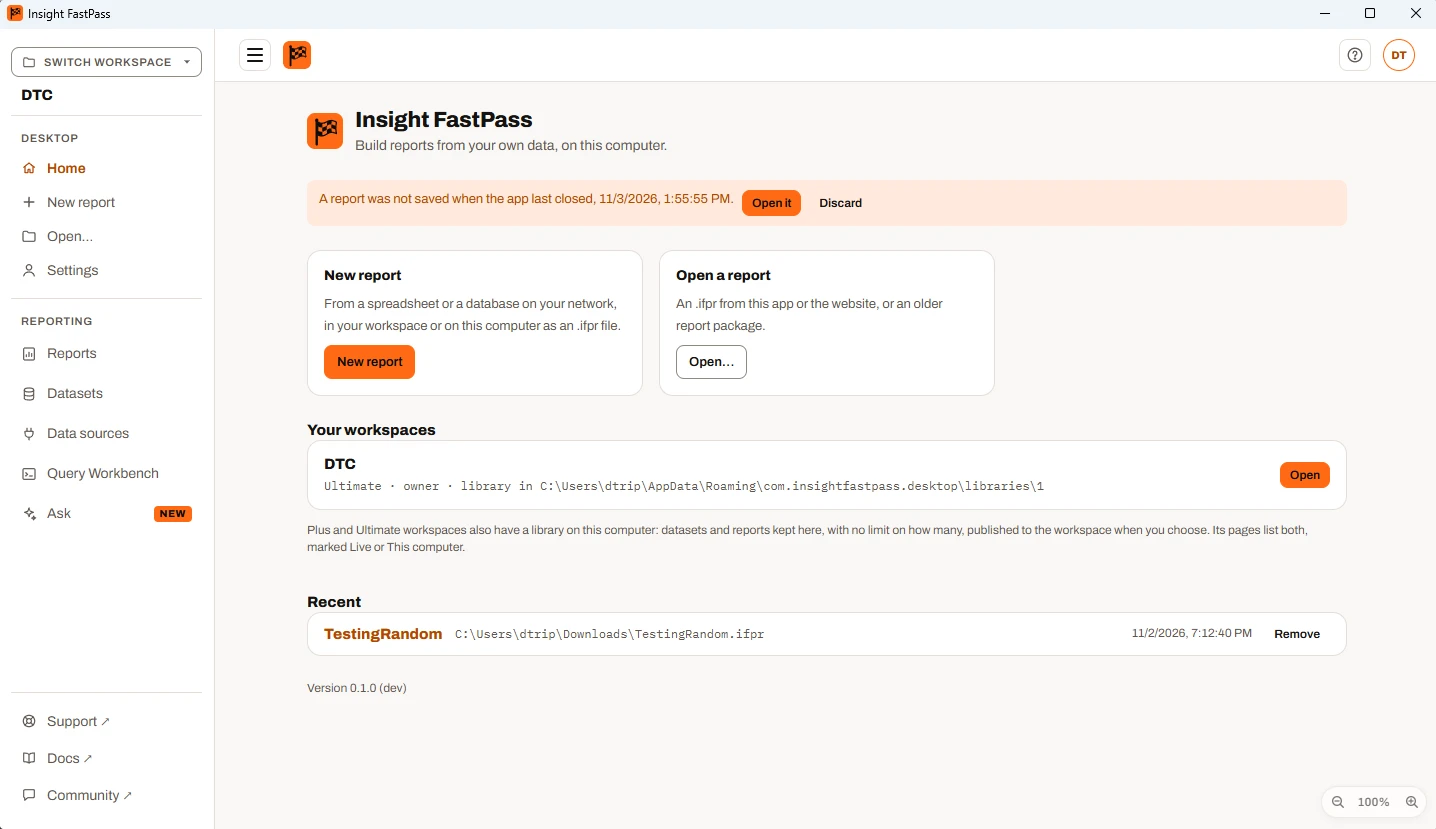
Save the report with its data and open it again later, here or on the website. A report saved as a file has no limit on how many spreadsheets or datasets it uses.
BetaFree accounts and the desktop app are available now. Paid plans, with reports on the web, sharing and live connections, launch once enough people ask for them. Express your interest
The desktop app Free download
Available now in the desktop app Sign in with a free account and the desktop app unlocks everything it does on your computer during the beta: a library of datasets and reports, your own databases, write-back and printable reports.
Read the databases on your network directly, with no gateway to install, and save each report with its data in one .ifpr file. No account needed: sign in only when you want your workspace’s library on this computer.
Free. Sign in with a free account to unlock the full app during the beta.
The app is free and needs no account. A library, and publishing to a workspace, need Plus or Ultimate.
Beyond the browser
One file
Save the report with its data and open it again later, here or on the website. A report saved as a file has no limit on how many spreadsheets or datasets it uses.
Offline
Once installed, only signing in and publishing need a connection. Every minute the app keeps a copy of each unsaved report, so if it closes before you save, the start page offers it back.
Your network
The app connects from your computer, so it reaches any database your computer can: on the office network, through your VPN or on your own machine. ODBC included, with no add-on and no gateway.
Your library Plus & Ultimate
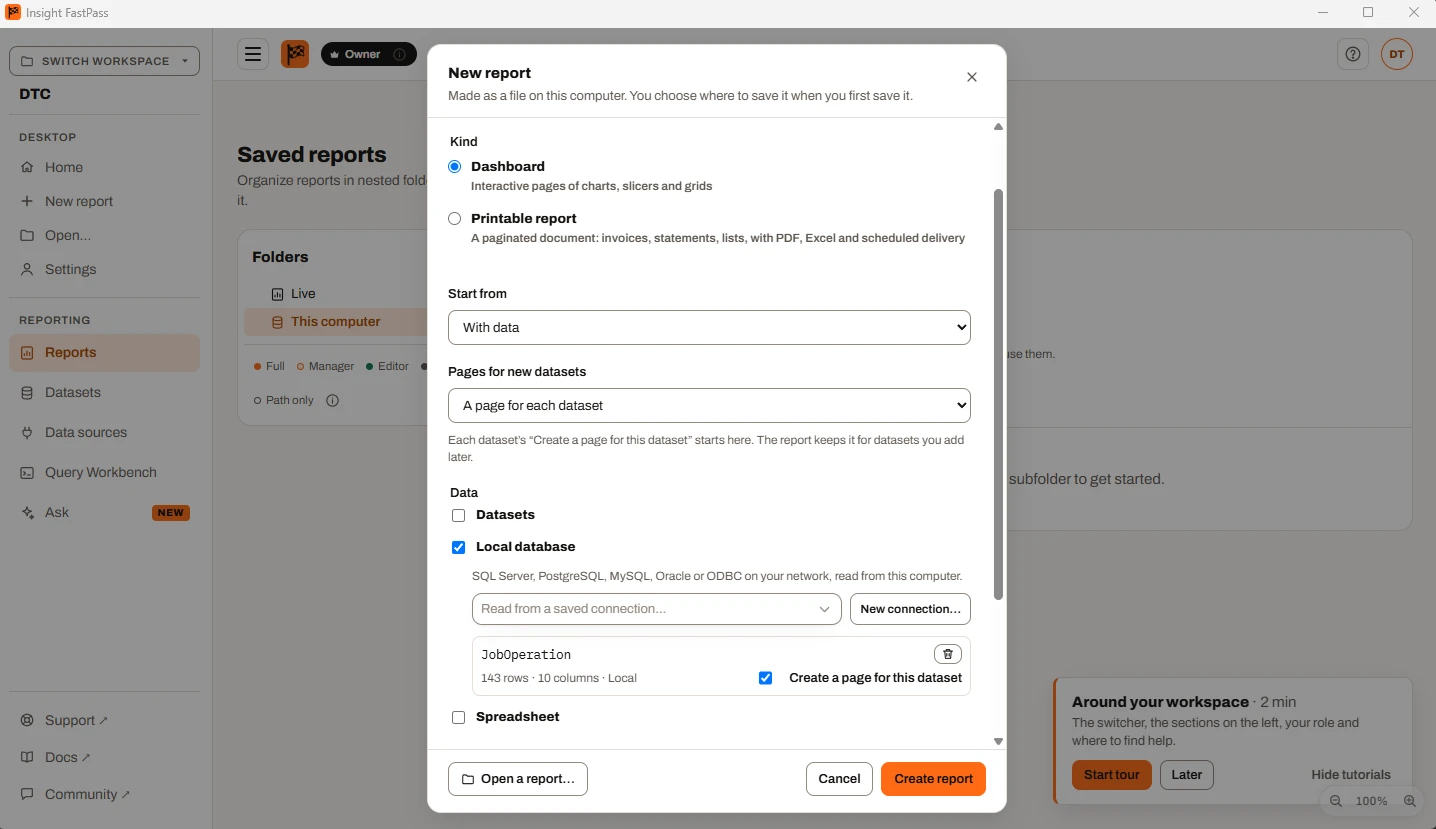
Signed in to a Plus or Ultimate workspace, you get its library on your computer: the same Datasets, Reports, Workbench, Calculated Fields and Summary Calculations as the website, with no limit on how many datasets or reports it holds.
Publish… puts a report online and asks, dataset by dataset, whether it goes up as a copy of its rows, reads a data source through the gateway, or uses a dataset already in the workspace.
Save a workspace report as an .ifpr that keeps reading the live workspace through your sign-in, or that keeps a copy of the rows and opens anywhere.
Move the library to a share on SMB 3 or NFS v4, and colleagues open it from their own app. A saved change shows in theirs within a few seconds, with one editor per report at a time.
Share a library on your networkExplain a page or ask about a report on your computer. The questions about your data run here, and only their results go to FastPass.
Bring a report over
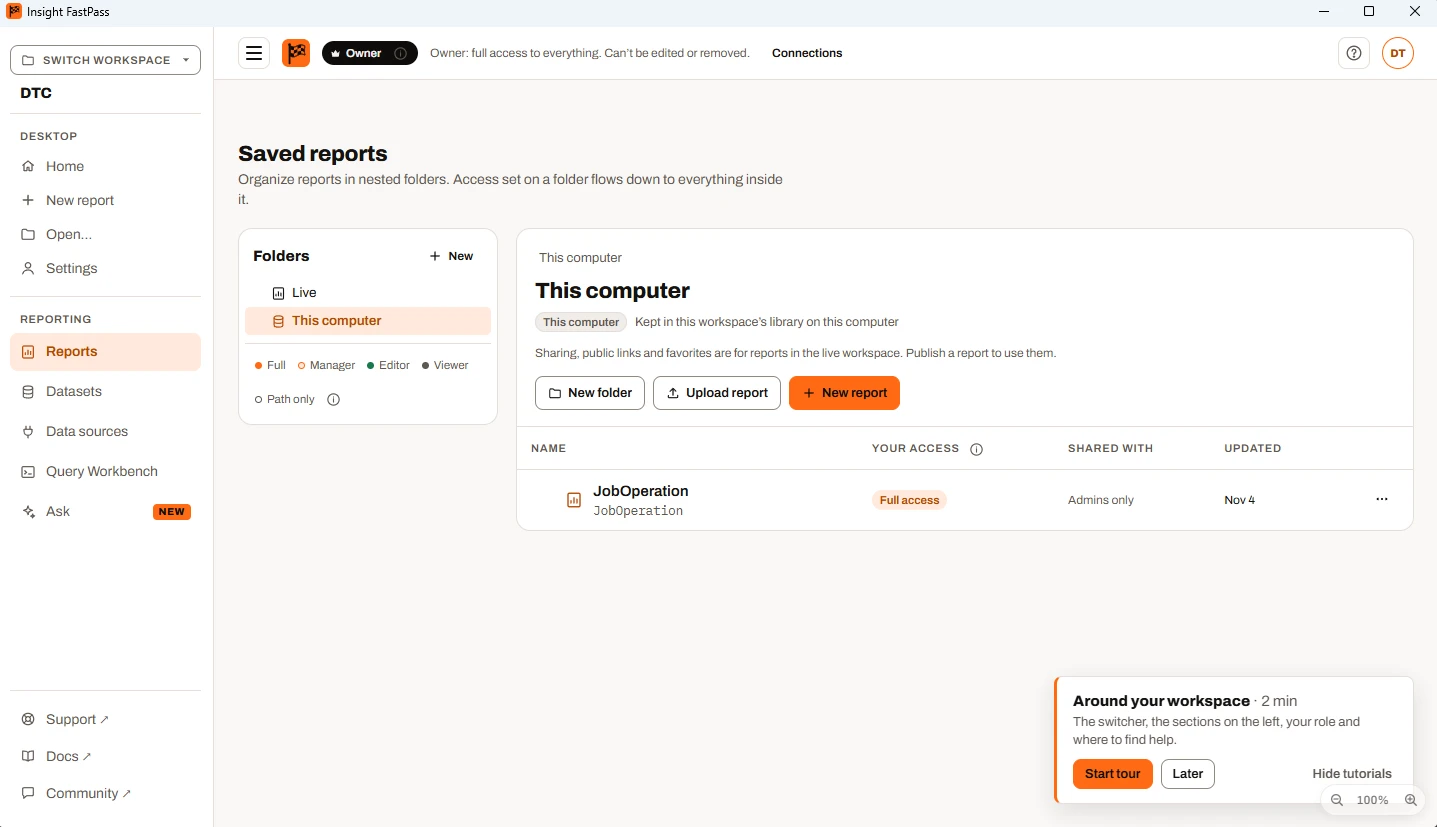
Both convert on this computer, with no account. Each opens with the datasets still to fill, and notes on what was left out or approximated that you can save as a Markdown file.
.pbit / .pbip
Open the file or drop it on the window. Each table arrives with its columns, ready to fill from a database or a spreadsheet, and a SQL Server table opens the database dialog with the server, database and table filled in.
.rdl
Its subreports, shared datasets (.rsd) and shared data sources (.rds) come with it from the same folder. It opens in the printable report designer, with each dataset’s SQL in the notes to write the database read from.
The offline beta
Insight FastPass Beta is a free copy of the app that works entirely on your computer and never connects to the internet.
Yes: Windows 10 and 11, macOS 11 or later, and Linux (Ubuntu 22.04 or later, and similar) as a .deb, an .rpm or an AppImage. On Windows it installs for your user without administrator rights.
No. Make, save and open reports as .ifpr files without one. Sign in to a Plus or Ultimate workspace when you want its library on this computer, or to publish to it.
A report you save is an .ifpr file, in whichever folder you choose. A library starts in your computer’s app data folder, and you can move it to another folder or a network share.
No. A saved password is kept in your computer’s own password store (Windows Credential Manager, the macOS Keychain or the Linux secret service), never in a file. An .ifpr keeps the connection without it, and on a shared library each person keeps their own.
Yes. The website’s report builder reads and writes the same files: Import… opens one on Mini, Plus and Ultimate, and Download report (.ifpr) saves one on Plus and Ultimate. Build on one, finish on the other.
Insight FastPass Beta, a free copy of the app for trying it without an account. It never connects to the internet and runs until the date on its start page. After that, your reports and data stay on your computer.
The desktop app is free and needs no account. Or try Insight FastPass in the browser with a spreadsheet today.